AI Product Photos for Amazon & Etsy
AI Product Photos: Shoes & Bags
Amazon, Etsy, Shopify and eBay sellers of shoes, bags, backpacks and wallets who only have phone photos.
25 ready-to-paste prompts for backgrounds and scenes around your real shoe or bag photo, in a 3:4 vertical format.
Buy the full pack in Telegram — 99 ⭐Get the whole theme — 390 ⭐What's inside the PDF
- 25 prompts with when-to-use notes
- Step-by-step guide for free AI tools
- 5 common mistakes and fixes
- Checklist before publishing
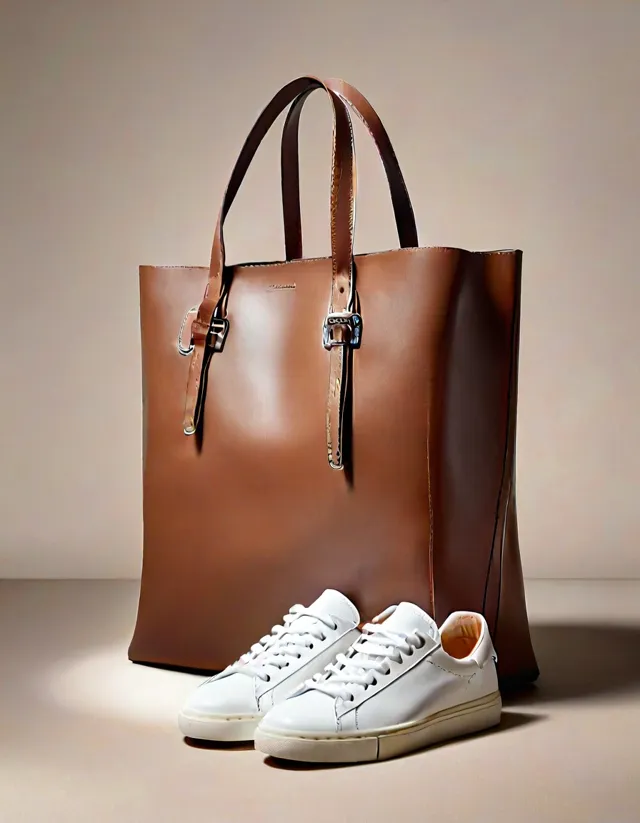
Example made with prompt #1 of this pack
5 free prompts from this pack
Pure White Background, Pair on the Floor (Amazon Main Image)
main image of the listing, main-image slot on Amazon.
Keep the shoes exactly as in the uploaded photo, same shape, color, laces and sole. Replace only the background with a pure white seamless backdrop (RGB 255,255,255), soft even daylight, a gentle contact shadow under the sole, side three-quarter view, centered and filling most of the frame, no text, 3:4 vertical.
Bag on a Light Pedestal
main lifestyle image for a bag.
Keep the bag unchanged in shape, color, handles and hardware. Place it on a low round plaster pedestal against a soft beige wall, gentle window light from the left, a smooth shadow on the pedestal, minimal boutique style, centered, no text, no logos, 3:4 vertical.
Stone Steps
city sneakers, boots.
Keep the shoes exactly as in the photo. Place them on light grey stone steps of an old building, blurred stone wall and a hint of green ivy behind, soft overcast daylight, natural shadows, shallow depth of field, calm urban mood, no people, no signs, 3:4 vertical.
Wooden Shelf in the Entryway
home and everyday shoes.
Keep the shoes unchanged. Standing on a light wooden shelf of a tidy entryway, a woven basket and a small green plant nearby, white wall behind, warm indoor light, cozy home atmosphere, soft shadows, no people, no text, 3:4 vertical frame.
Autumn Leaves on the Pavement
boots, ankle boots, autumn bags.
Keep the item exactly as in the photo. Placed on a dry paved path scattered with fallen maple and oak leaves, blurred autumn park with golden light behind, low warm sun with soft rim light on the leather, rich warm tones, no people, no text, 3:4 vertical.
Packs in this theme
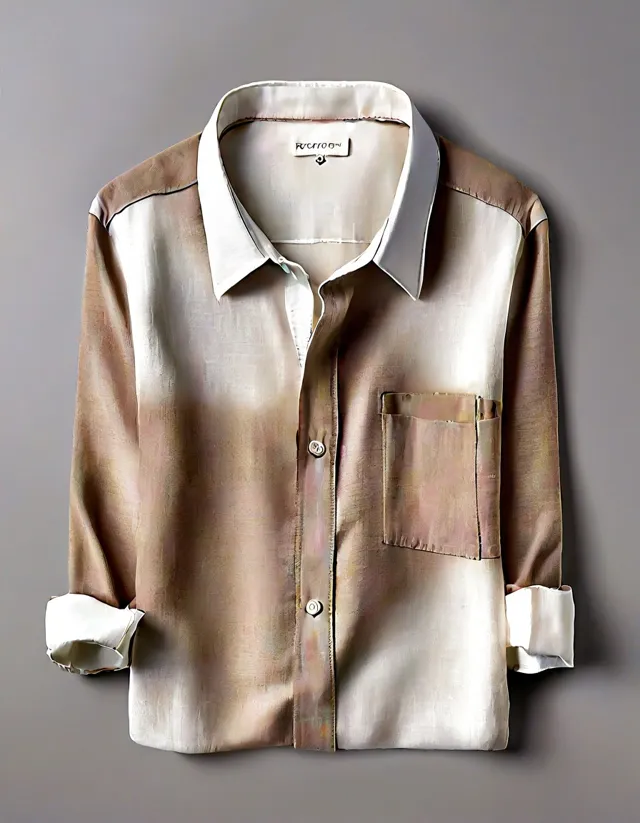
Clothing
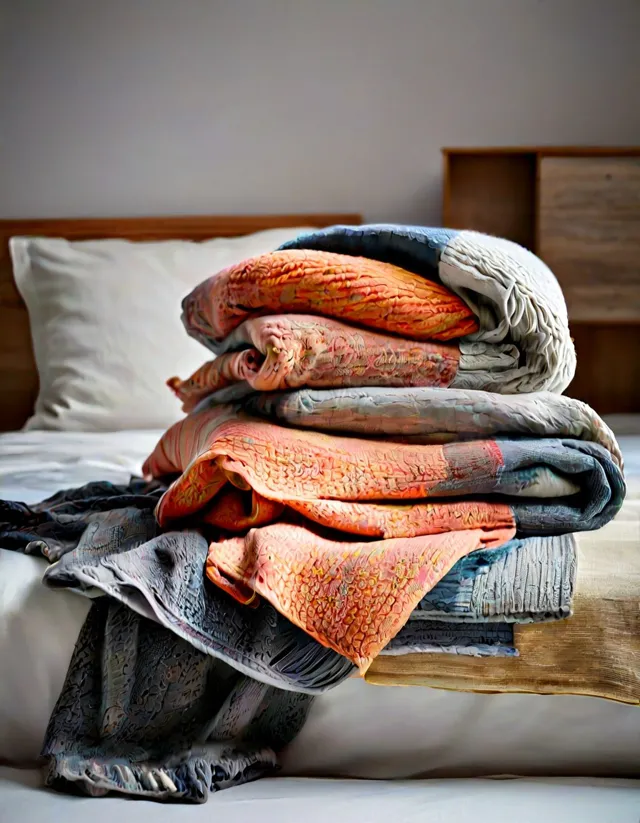
Home Textiles
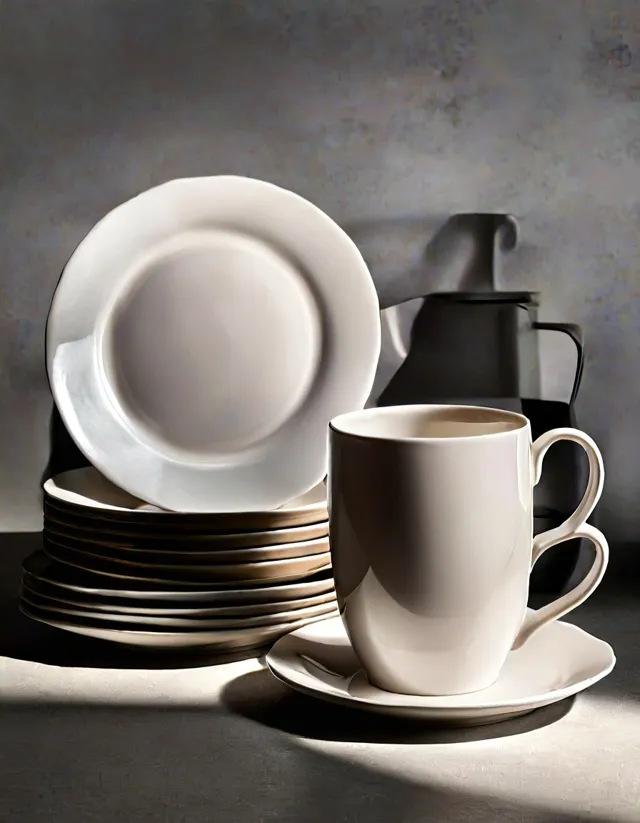
Kitchen & Tableware
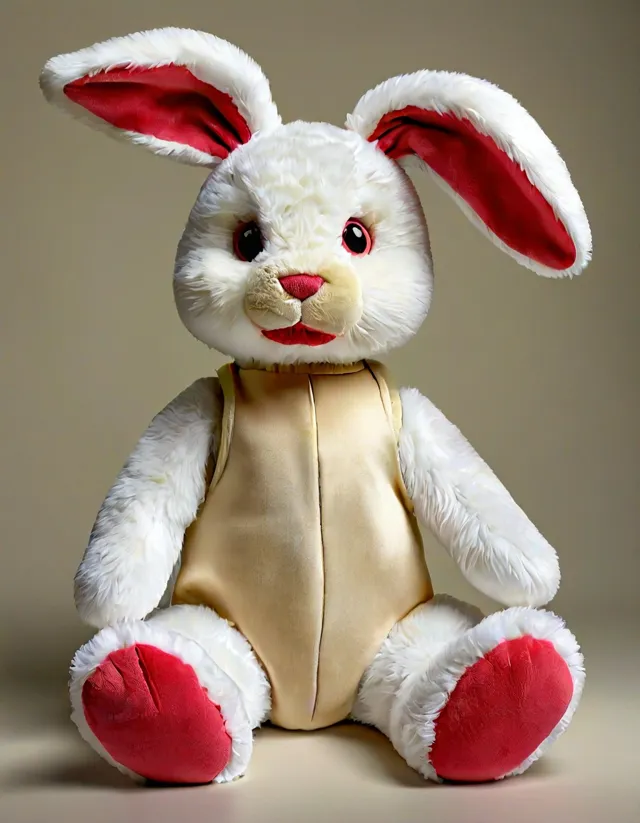
Kids' Products

Cosmetics & Skincare

Gadgets & Accessories
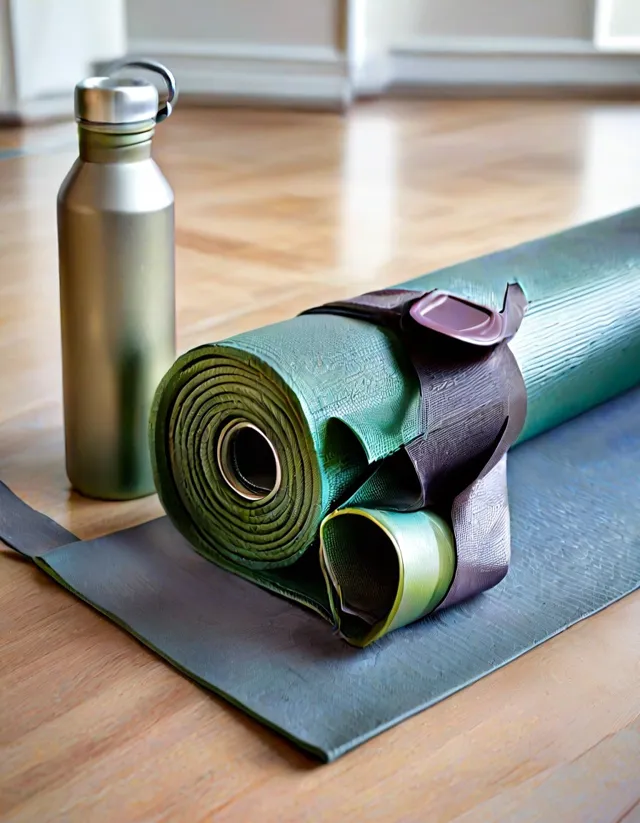
Sports & Outdoors

Pet Supplies

Gifts & Hobbies
How to pay from any country
Payment is made in Telegram Stars inside our Telegram bot. Stars can be bought in the Telegram app with Apple Pay, Google Pay or a card in most countries. The PDF arrives in the chat right after payment. If something goes wrong, write /paysupport in the bot.