Content for Barbers: Backgrounds, Stories and Reel Covers Without a Photoshoot
barbers and barbershops who post on Instagram, TikTok and Facebook and show haircuts and beard work.
25 ready-to-use prompts for backgrounds, 9:16 Stories and Reel covers built around real photos of your work.
Buy the full pack in Telegram — 99 ⭐Get the whole theme — 390 ⭐What's inside the PDF
- 25 prompts with when-to-use notes
- Step-by-step guide for free AI tools
- 5 common mistakes and fixes
- Checklist before publishing
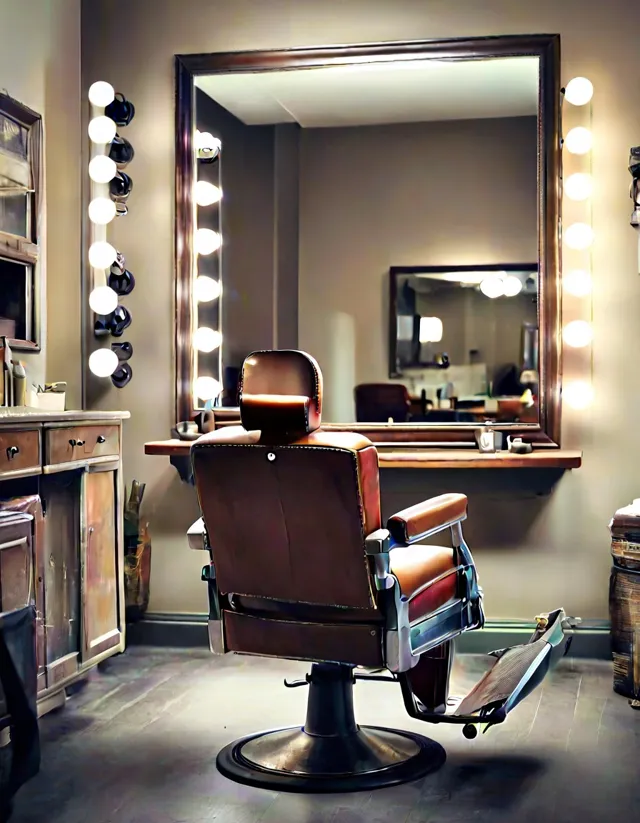
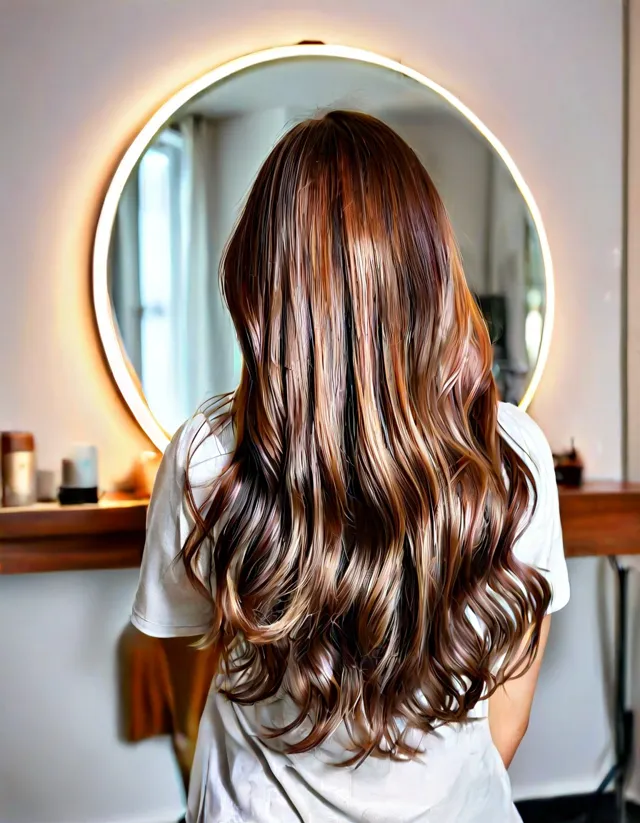
Example made with prompt #1 of this pack
5 free prompts from this pack
Leather Chair and Mirror
Edit a haircut photo for a classic barbershop vibe. Tip: suits a classic barbershop feed and profile shots of cuts.
Using my uploaded photo, keep the haircut, beard and skin exactly unchanged. Replace only the background with a vintage barbershop corner: brown leather chair, large mirror with a wooden frame, warm lamp light, soft blur, 3:4, no text
Dark Brick
Edit for brutal, contrasty shots. Tip: dark brick suits bold shots and high-contrast cuts.
Keep my uploaded photo of the haircut unchanged. Replace the background with a dark charcoal brick wall, a single warm pendant light glowing softly, subtle haze, moody masculine style, vertical 3:4, no text
Wooden Shelves
Edit for posts about craft and tools. Tip: shelves suit posts about craft, tools and your approach.
Using my uploaded photo, preserve the haircut and beard exactly. Change only the background to blurred wooden shelves with plain unlabeled glass bottles and brass accents, warm light, craftsman barbershop mood, 3:4, no text
Smoke and Neon
Edit for night and evening posts. Tip: a neon backdrop suits night and evening posts.
Keep my uploaded photo untouched, including the haircut and beard. Replace the background with dark smoky air and soft blue and orange neon glow, cinematic night mood, vertical 3:4, no text
Scandinavian Light
Edit for clean daytime shots. Tip: a light backdrop suits daytime shots and photos of blends.
Using my uploaded photo, do not change the haircut or beard. Replace the background with a light wooden wall and a large window with soft daylight, white plant pot blurred, fresh minimalist Scandinavian style, 3:4, no text
Packs in this theme
How to pay from any country
Payment is made in Telegram Stars inside our Telegram bot. Stars can be bought in the Telegram app with Apple Pay, Google Pay or a card in most countries. The PDF arrives in the chat right after payment. If something goes wrong, write /paysupport in the bot.